Follow the instructions below in order to translate an InqScribe CSV file to a Studiocode XML file so that it can be imported into a Studiocode timeline.
1. Obtain the InqScribe CSV file
2. Click here to open up the translator website
3. Click "Choose file"
4. Select the desired CSV file in the roll down window and click "Open"
5. Click "Convert to Studiocode XML"
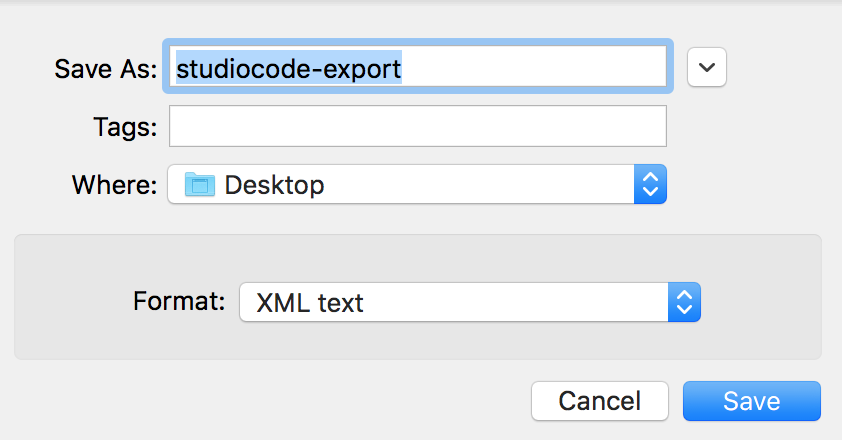
6. Name the file as desired, choose the destination for it to be saved, and make sure the Format is set to "XML text"
7. Click Save
8. Open the desired movie package (timeline) in Studiocode
9. File > Import > XML Edit list
10. Choose the XML file and click "Open". The instances will appear in the timeline.