Platform: iPad
Users: Administrator, Educator, Learner
When marking-up video with multiple devices, the Master device will be used to record and/or mark-up video and the Satellite device(s) will be used to only mark-up video.
There is no limit to how many Satellite devices can be added to mark up a video.
The following steps describe how to mark-up a live recording of a video with multiple users.
Master Device
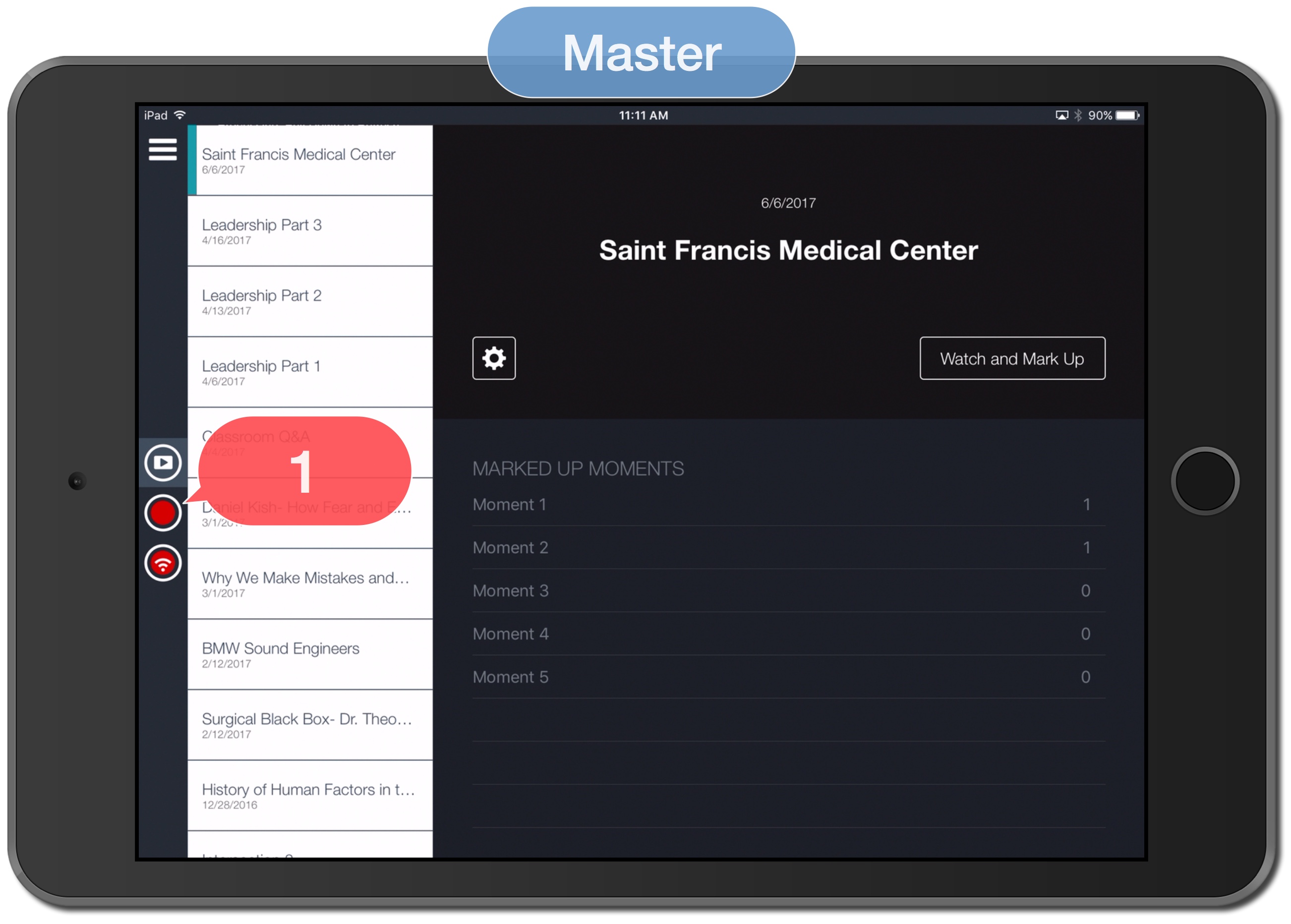
1. Tap the Record icon.
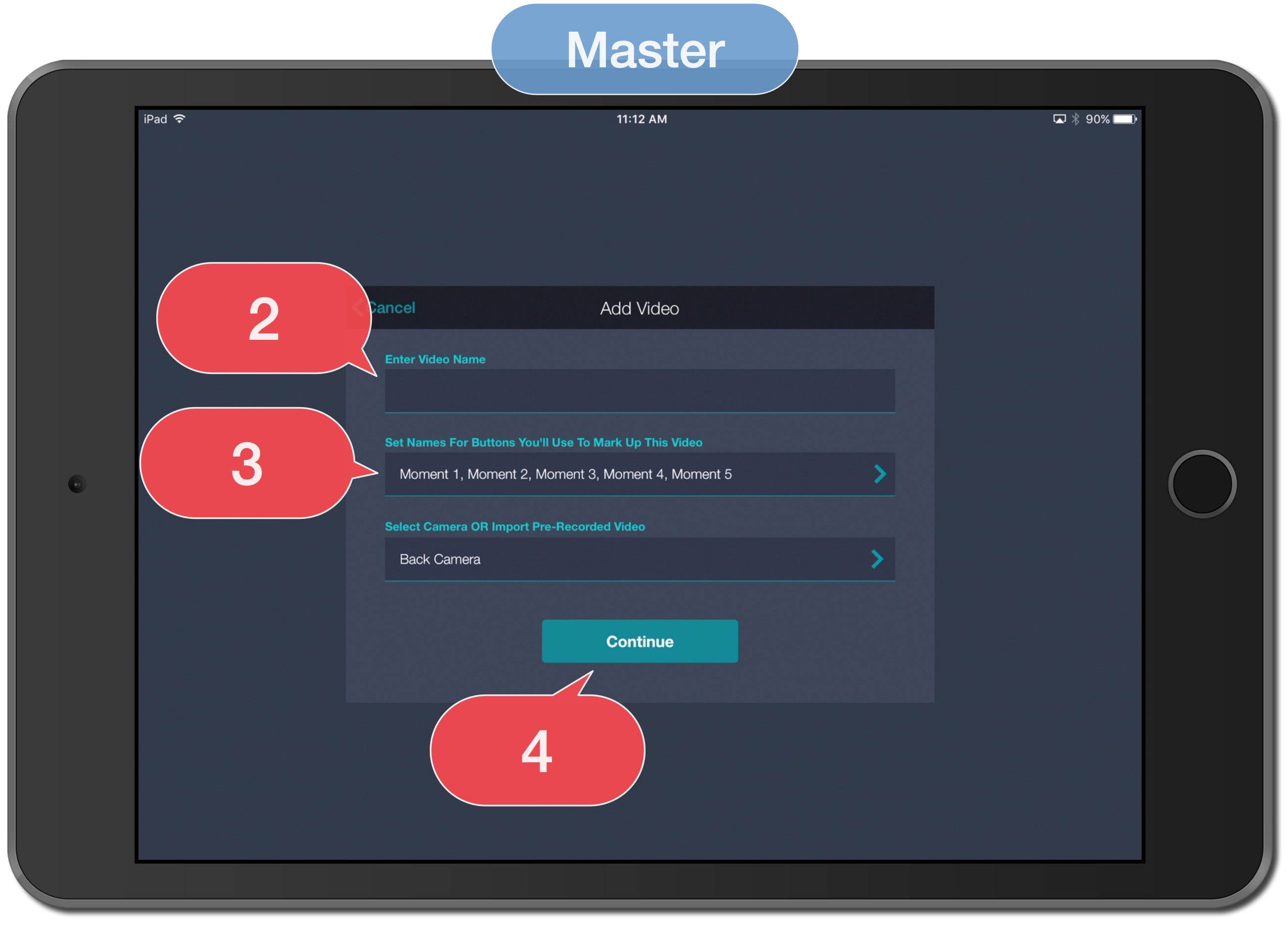
2. Enter Video Name.
3. Tap the field "Set Names For Buttons You'll Use To Mark Up This Video" to create buttons or select pre-made Button Form.
4. Continue.
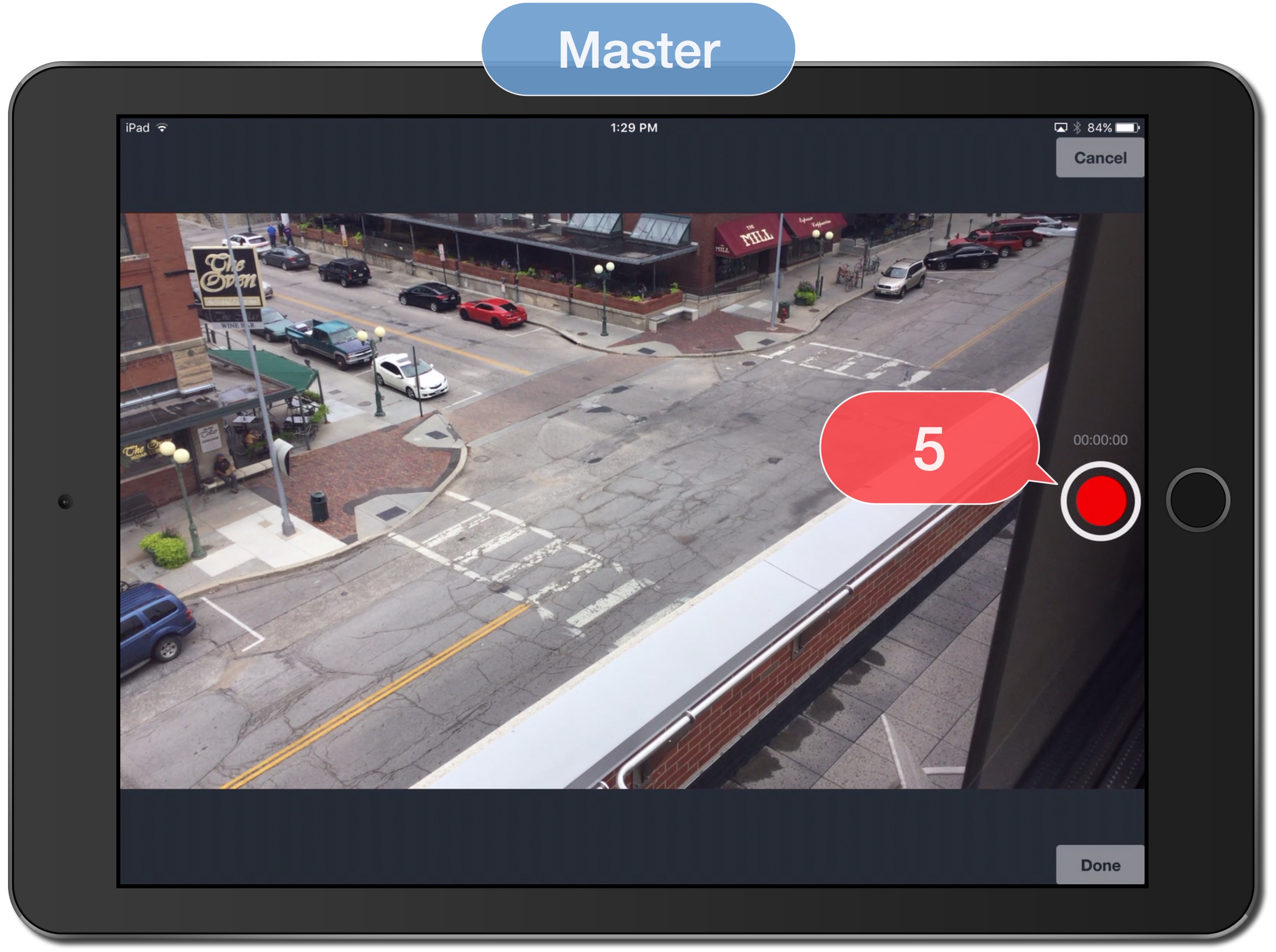
5. DON'T tap record.
6. Go to vosaic.com.
7. Login to Vosaic.
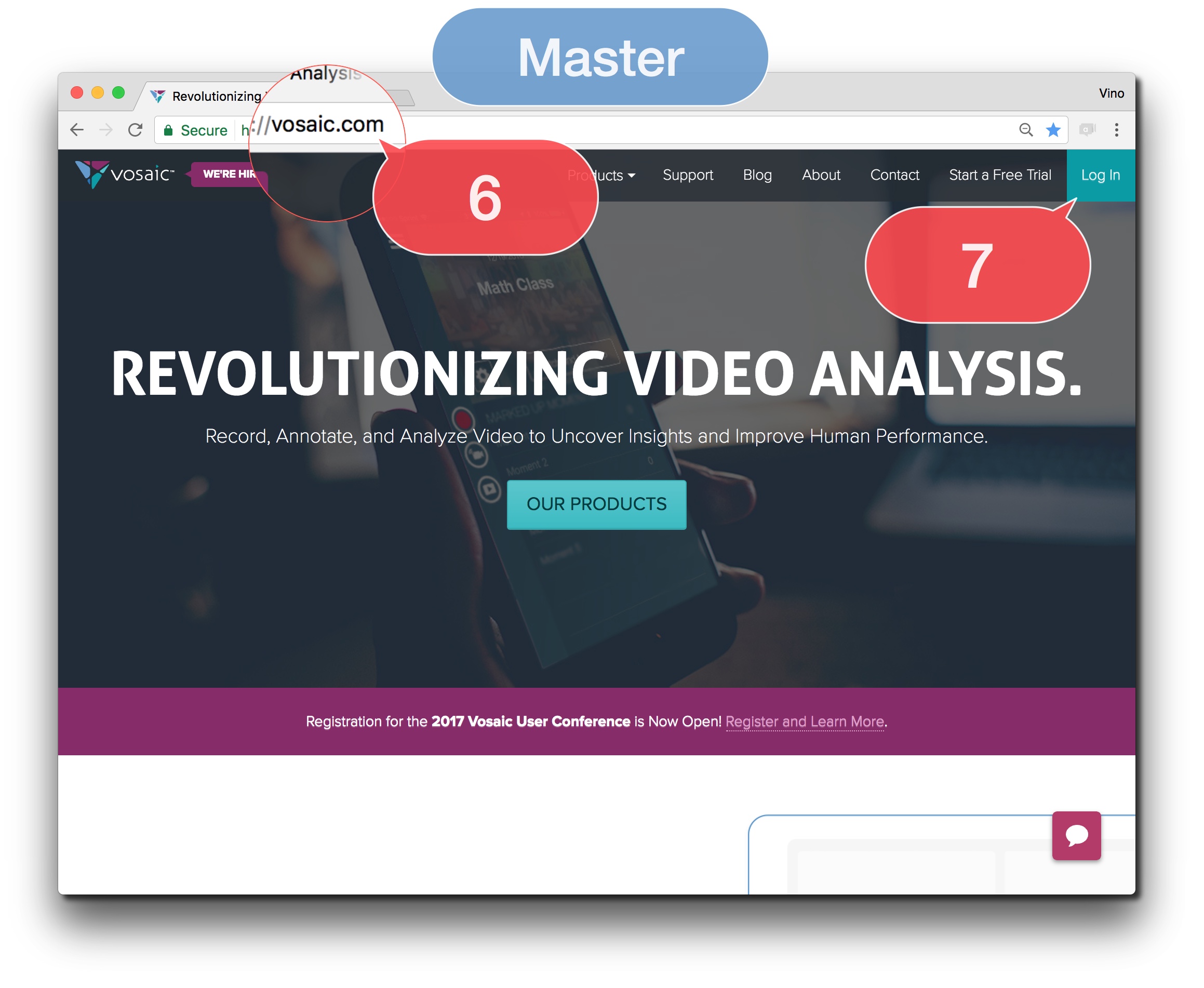
8. Select video name from step 2 above.
Note: Press Command + R on the keyboard to refresh the video list if the video name from step 2 above does not appear in the Video List.
9. Share video with Individual Users and/or Groups.
Note: Individuals User(s) and/or Groups will code using the Satellite device.

Satellite Device
10. Login to the Vosaic App.
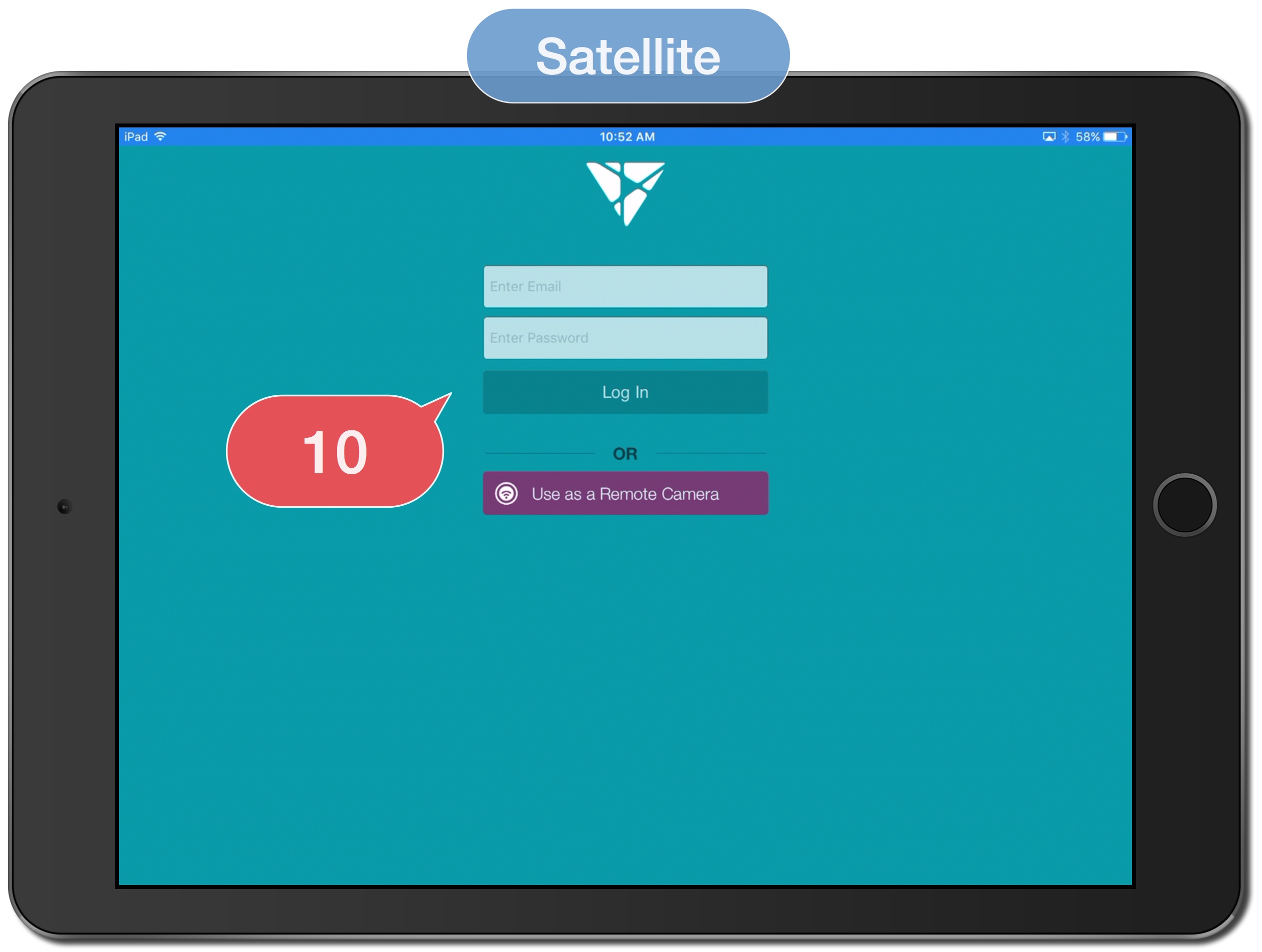
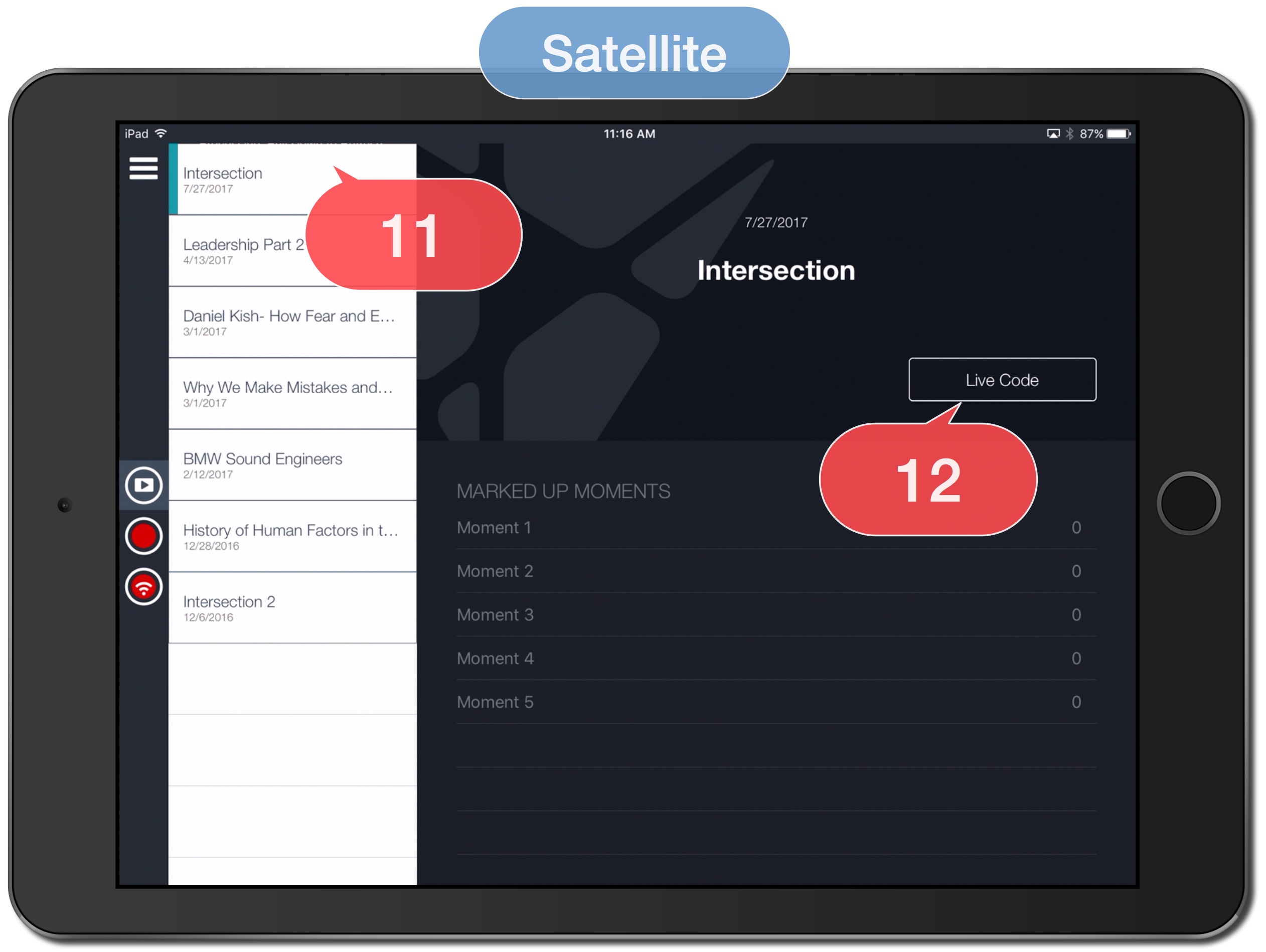
11. Tap video name from step 2 above.
12. Tap Live Code.
Master Device
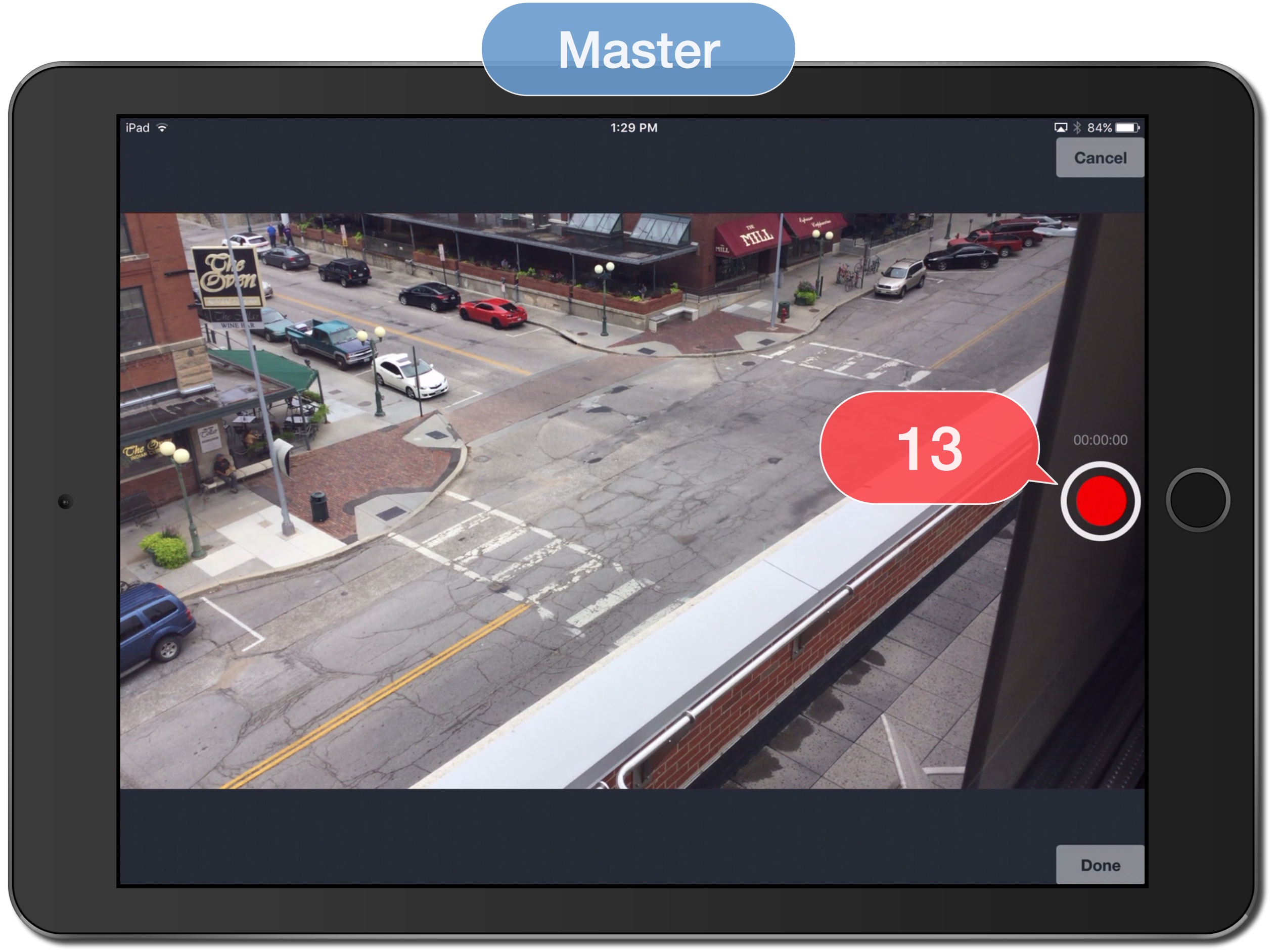
13. Tap Record.
Master Device/ Satellite Device
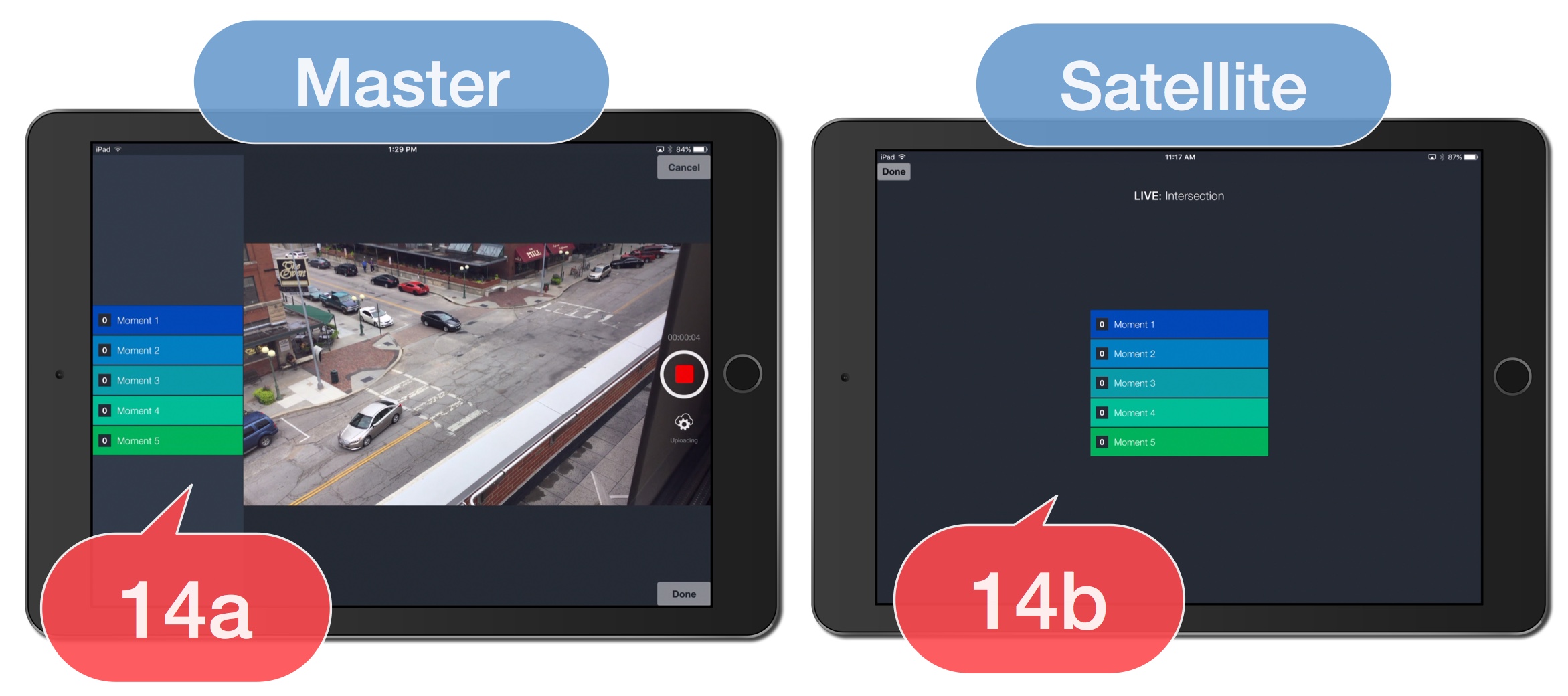
14a. Tap buttons to Mark Moments.
14b. Tap buttons to Mark Moments.
Master Device
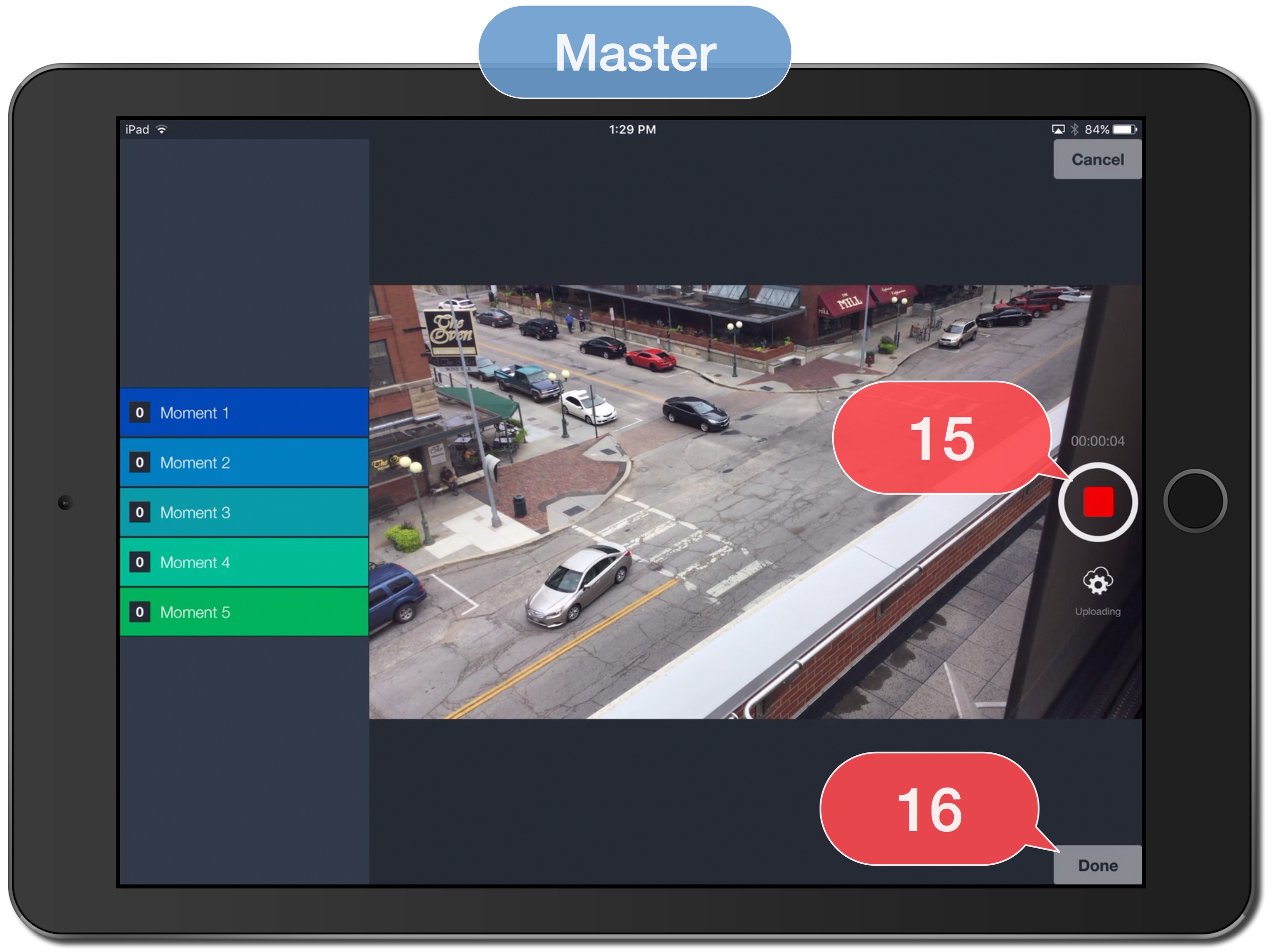
15. Tap Stop to stop recording.
16. Tap Done.